Figure and Table
The <Figure> and <Table> components provide auto-numbered, captioned, and cross-referenceable figures and tables.
Figures
Wrap any content in a <Figure> with an id and caption:
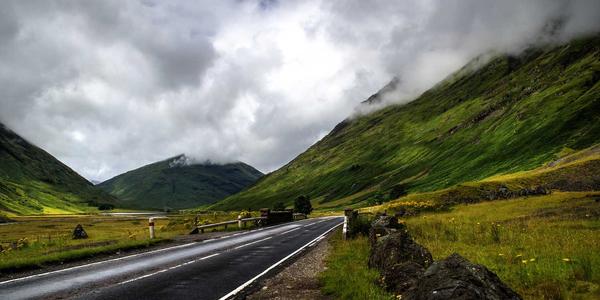
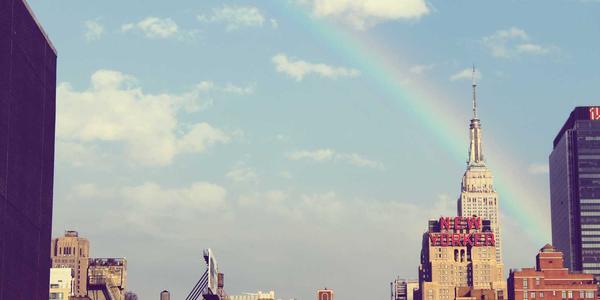
Reference them inline: see and .
Figures can contain any content — images, diagrams, code blocks, or even React components.
Tables
Wrap a markdown table in a <Table> with an id and caption:
| Architecture | Reasoning | Memory | Planning | Tool Use | Key Idea |
|---|---|---|---|---|---|
| ReAct | Chain-of-thought | Short-term | No | Yes | Interleave reasoning and acting steps |
| Plan-and-Execute | Hierarchical | Long-term | Yes | Yes | Generate full plan, then execute sequentially |
| Reflexion | Self-critique | Episodic | Yes | Yes | Reflect on failures and retry with memory |
| LATS | Tree search | Short-term | Yes | Yes | Monte Carlo tree search over action space |
| Method | HumanEval | MATH | MMLU | GSM8K | ARC-C | Avg |
|---|---|---|---|---|---|---|
| Base LLM | 67.0 | 50.4 | 86.4 | 78.2 | 89.1 | 74.2 |
| + Tool Use | 85.4 | 68.2 | 88.1 | 83.5 | 90.3 | 83.1 |
| + RAG | 72.1 | 55.8 | 91.3 | 80.1 | 93.7 | 78.6 |
| + Tool + RAG | 88.2 | 71.4 | 92.0 | 86.3 | 94.1 | 86.4 |
Reference them inline: architectures in , results in .
Column Alignment
Use columns to set all columns to "center", "left", or "right":
| Model | Params | Top-1 Accuracy | Top-5 Accuracy | Training Data | Epochs |
|---|---|---|---|---|---|
| Small | 125M | 82.1 | 95.3 | ImageNet-1K | 90 |
| Base | 350M | 88.4 | 97.1 | ImageNet-1K | 90 |
| Large | 1.3B | 93.2 | 99.0 | ImageNet-21K | 30 |
| Model | Params | Top-1 Accuracy | Top-5 Accuracy | Training Data | Epochs |
|---|---|---|---|---|---|
| Small | 125M | 82.1 | 95.3 | ImageNet-1K | 90 |
| Base | 350M | 88.4 | 97.1 | ImageNet-1K | 90 |
| Large | 1.3B | 93.2 | 99.0 | ImageNet-21K | 30 |
You can also use standard markdown column alignment syntax (:---, :---:, ---:) for per-column control without the columns prop.